
Survey In, Survey Out.
Right from your
Handheld Device
DepotLite Mobile puts the full survey workflow in your surveyors' hands. Capture photos, record damage with CEDEX codes, and submit Survey In and Survey Out reports — all from an iPhone, iPad, or Android device.
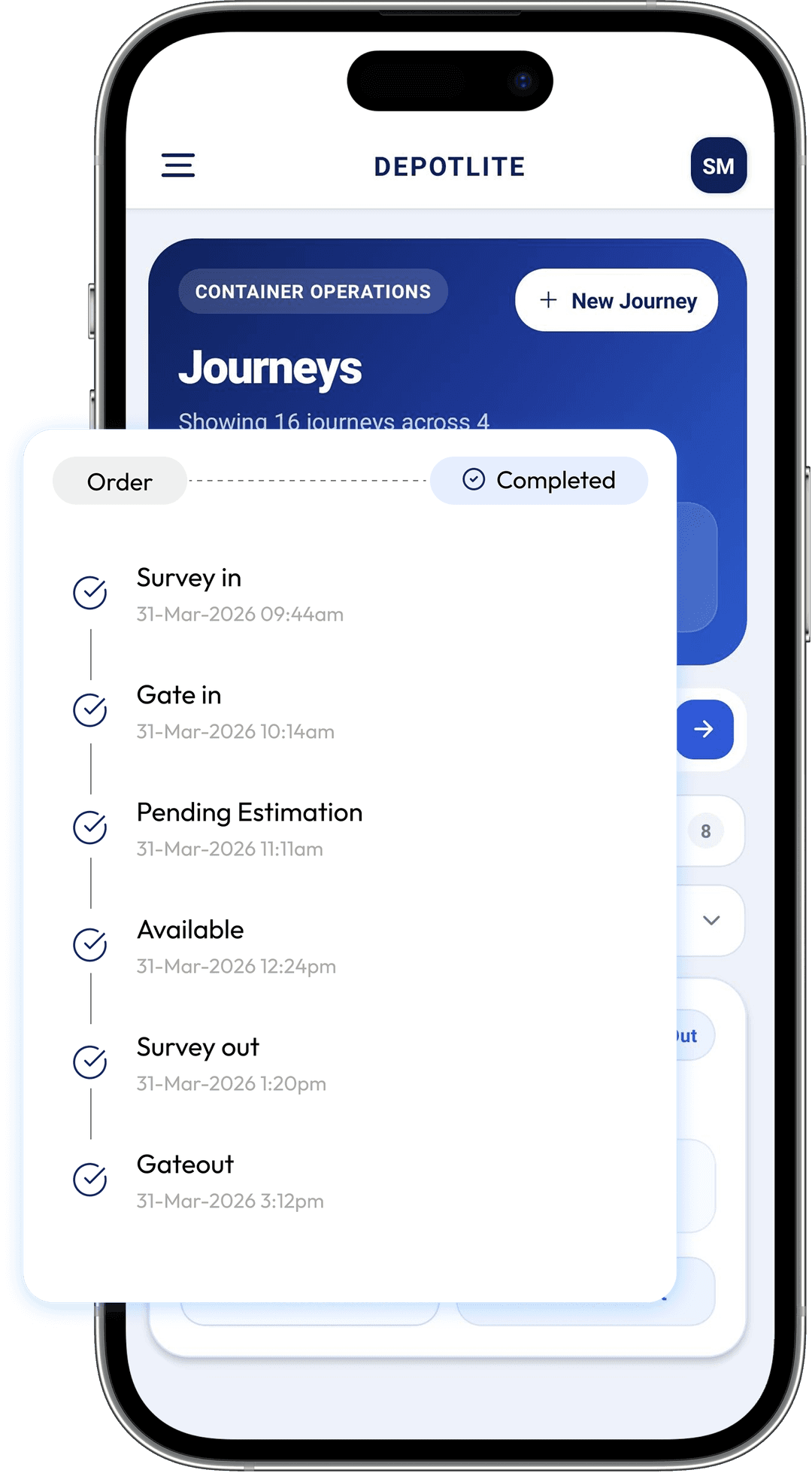
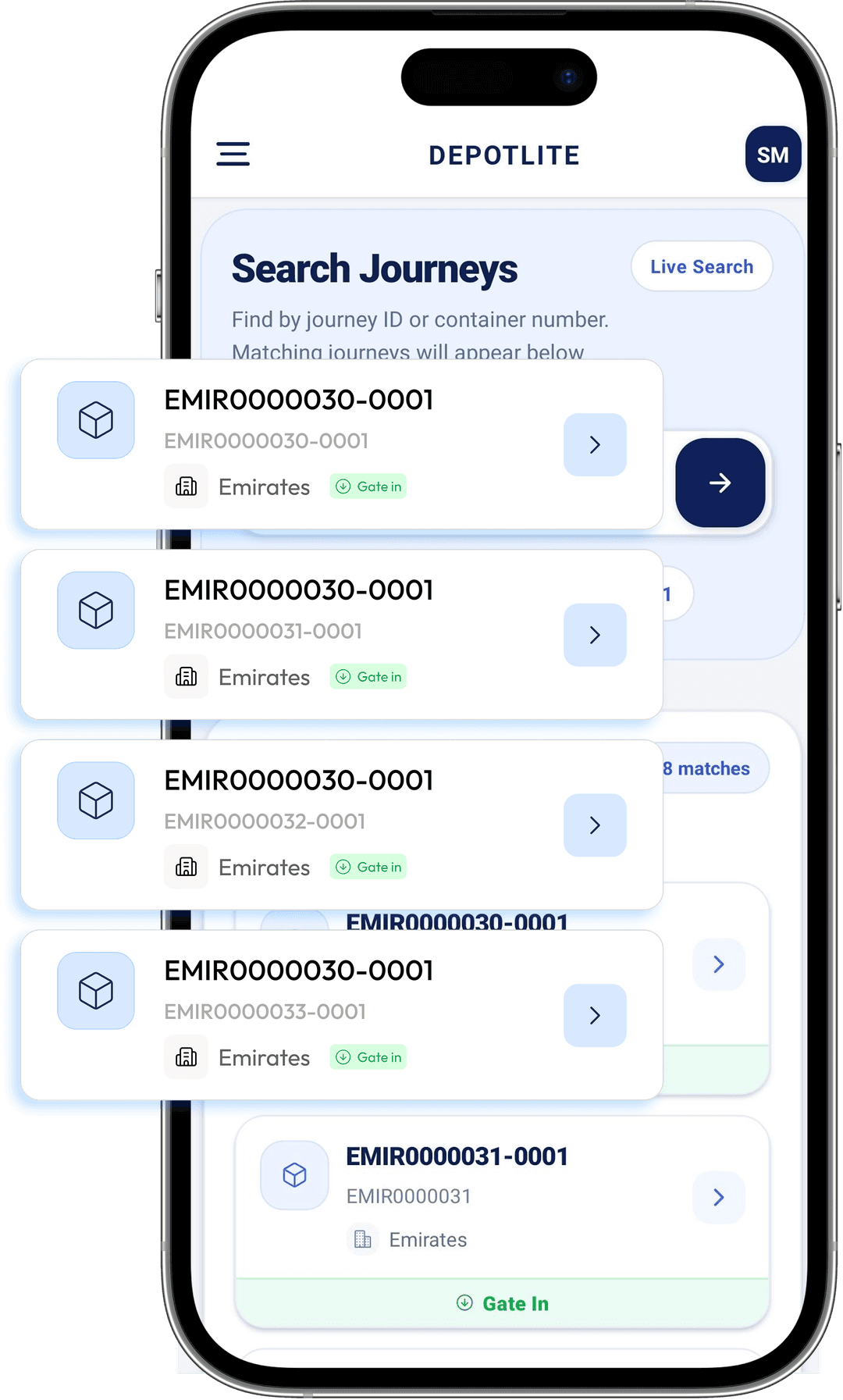
Open a Survey Job
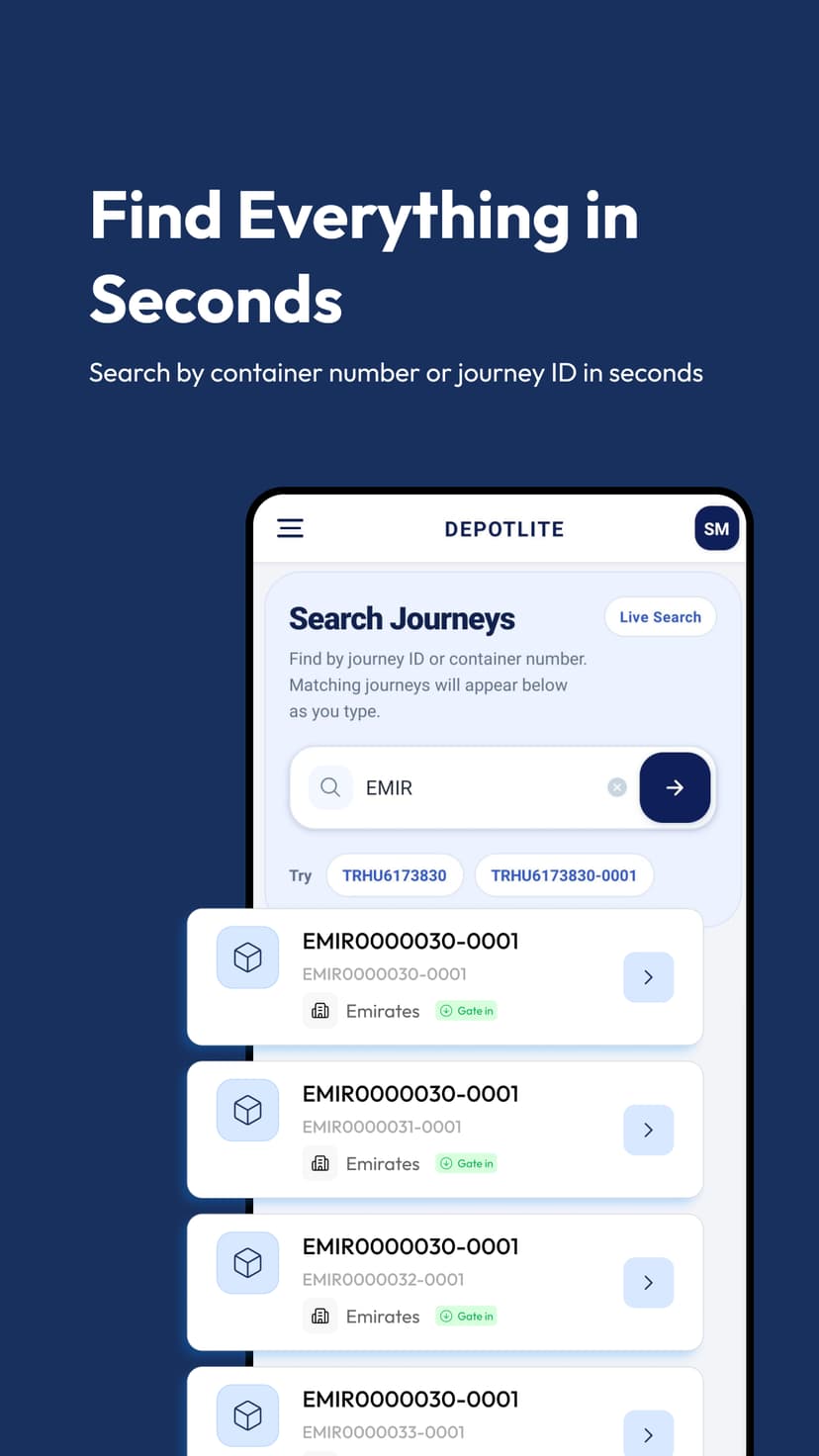
Surveyors open an assigned job from their mobile device. Gate-in containers are automatically listed in their queue — no manual searching or paper-based work orders. Jobs are synced in real time from the depot management system.
What Surveyors Can Do
- Assigned job queue synced from DepotLite
- Container number and shipping line pre-loaded
- Previous survey history available for reference
- Job priority and urgency flags visible
- Tap to begin — no additional login steps
Photograph Damage On the Spot
Using the device camera, surveyors capture photos of each damaged area directly within the app. Photos are instantly tagged to the relevant damage item — no renaming files or manual matching later. Multiple angles per damage item are fully supported.
What Surveyors Can Do
- In-app camera with auto-tag to damage item
- Multiple photos per damage component
- Photo review and retake before submission
- Images compressed and uploaded in the background
- GPS metadata attached to each photo
Enter Damage Details on the Fly
Surveyors select damage components from CEDEX-compliant dropdowns, record dimensions, and choose damage types — all optimized for quick one-handed entry on a phone or tablet. No desktop required to complete a full, detailed survey.
What Surveyors Can Do
- CEDEX component codes in searchable dropdowns
- Damage type, location, and dimension fields
- Panel and position selection with visual guides
- Interior and exterior inspection checkboxes
- Swipe gestures for fast item navigation
Review and Submit the Survey
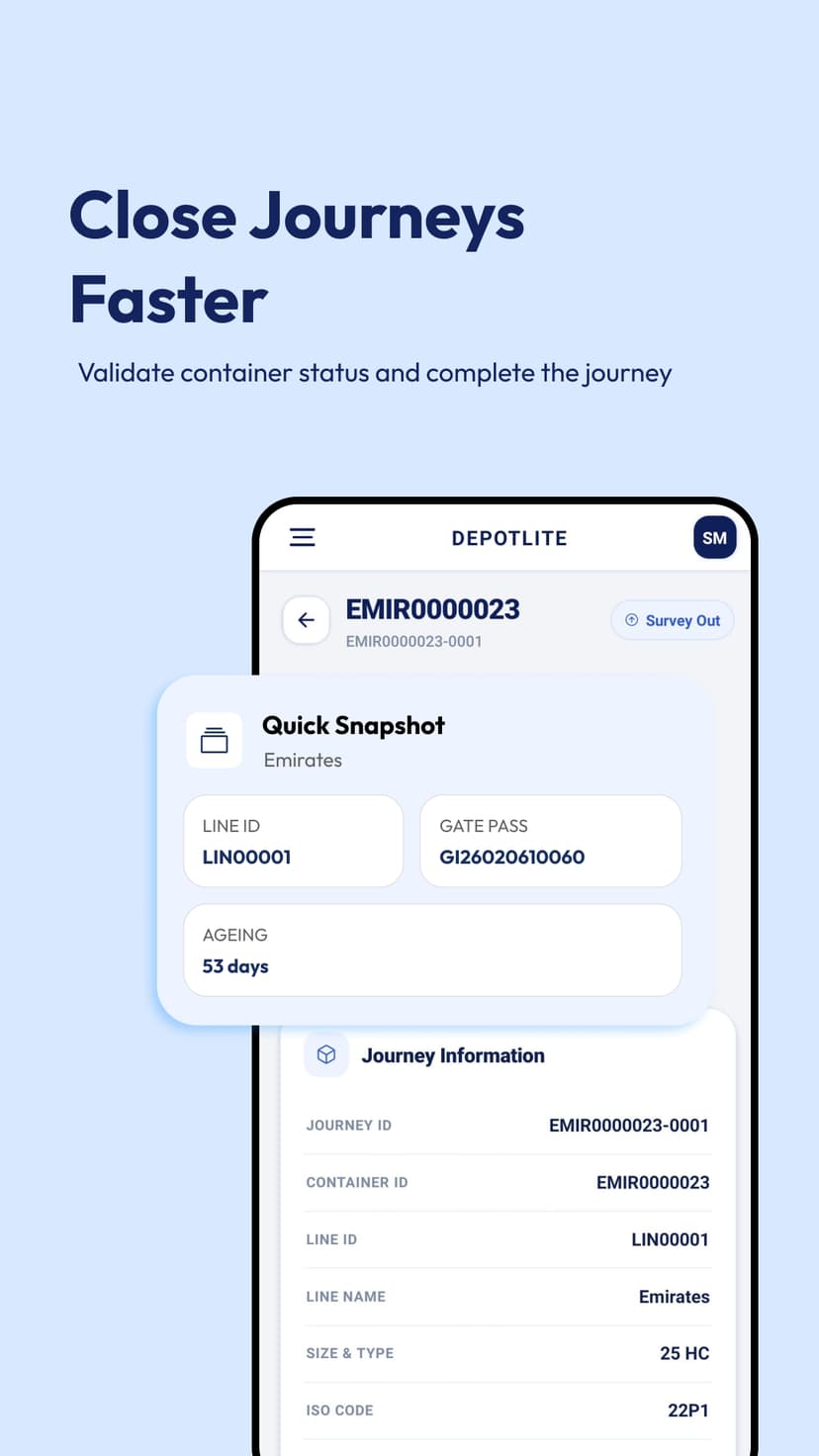
Before submission, the surveyor reviews the complete survey — all damage items, photos, and measurements in a single scrollable summary. Once confirmed, the survey is submitted instantly and becomes available in DepotLite for estimation and approval.
What Surveyors Can Do
- Full survey summary before final submission
- Edit or delete any item before submitting
- Submit triggers instant notification to estimators
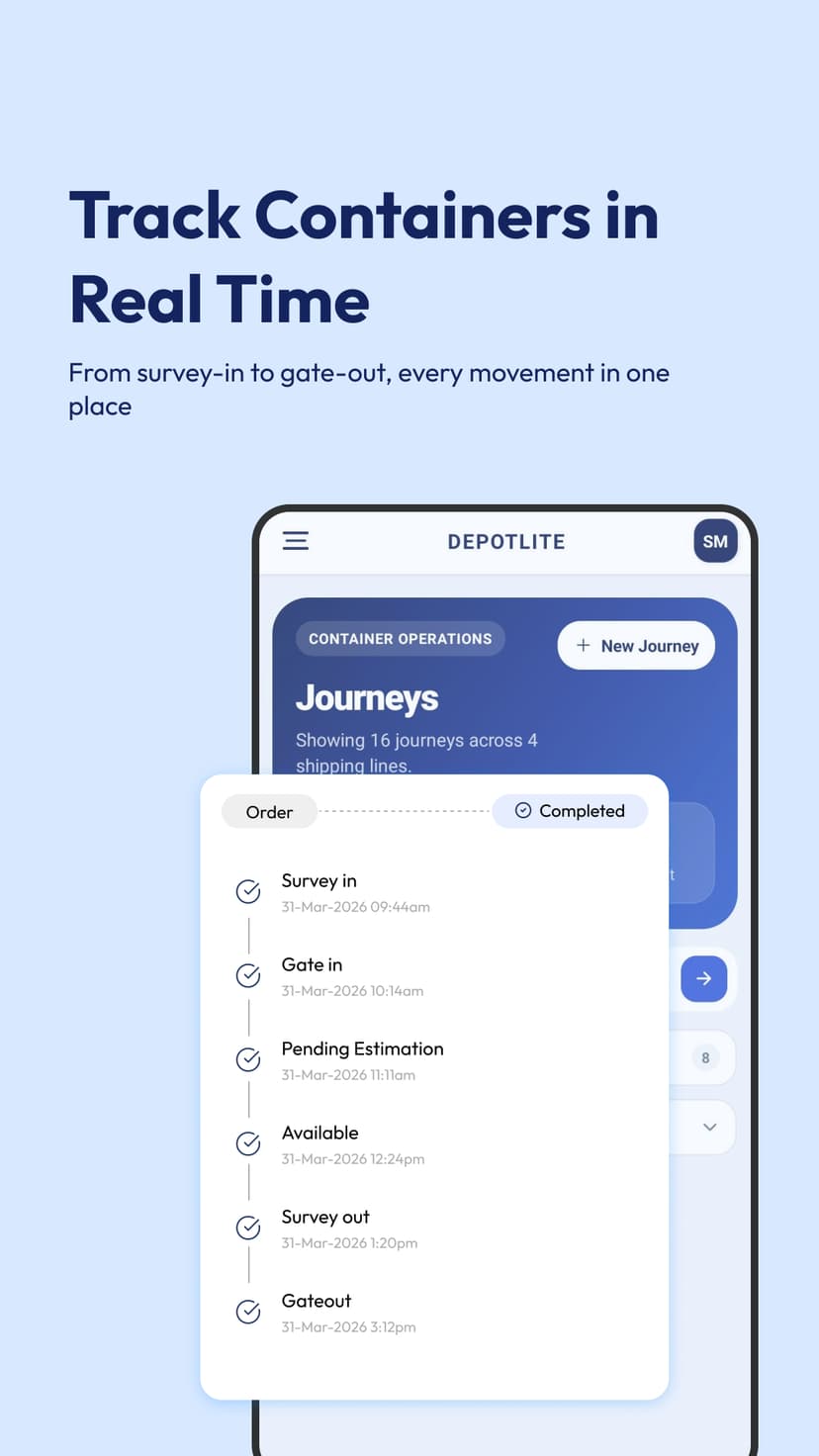
- Survey locked and timestamped on submission
- PDF preview available immediately after submit
See It in the Field
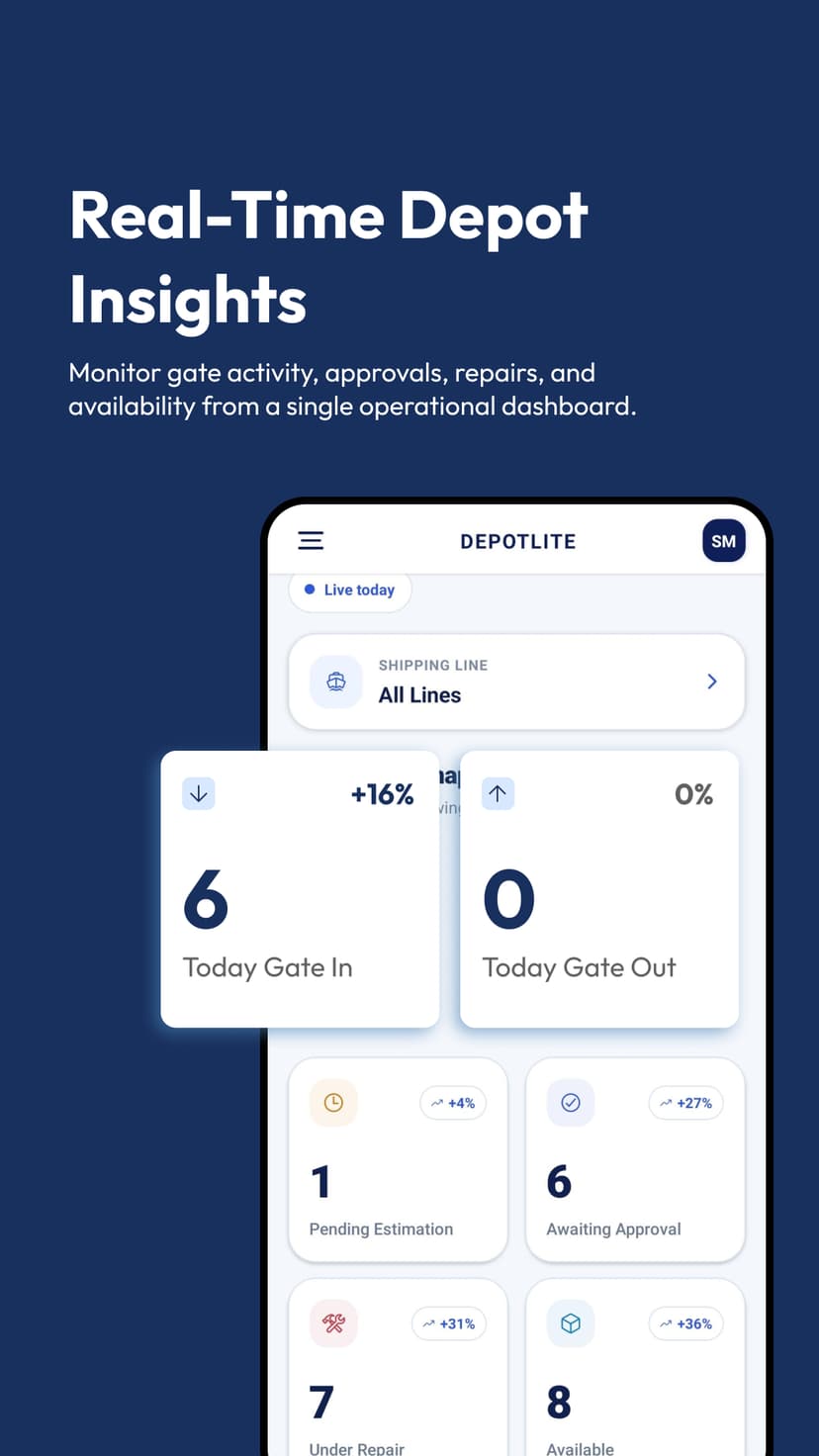
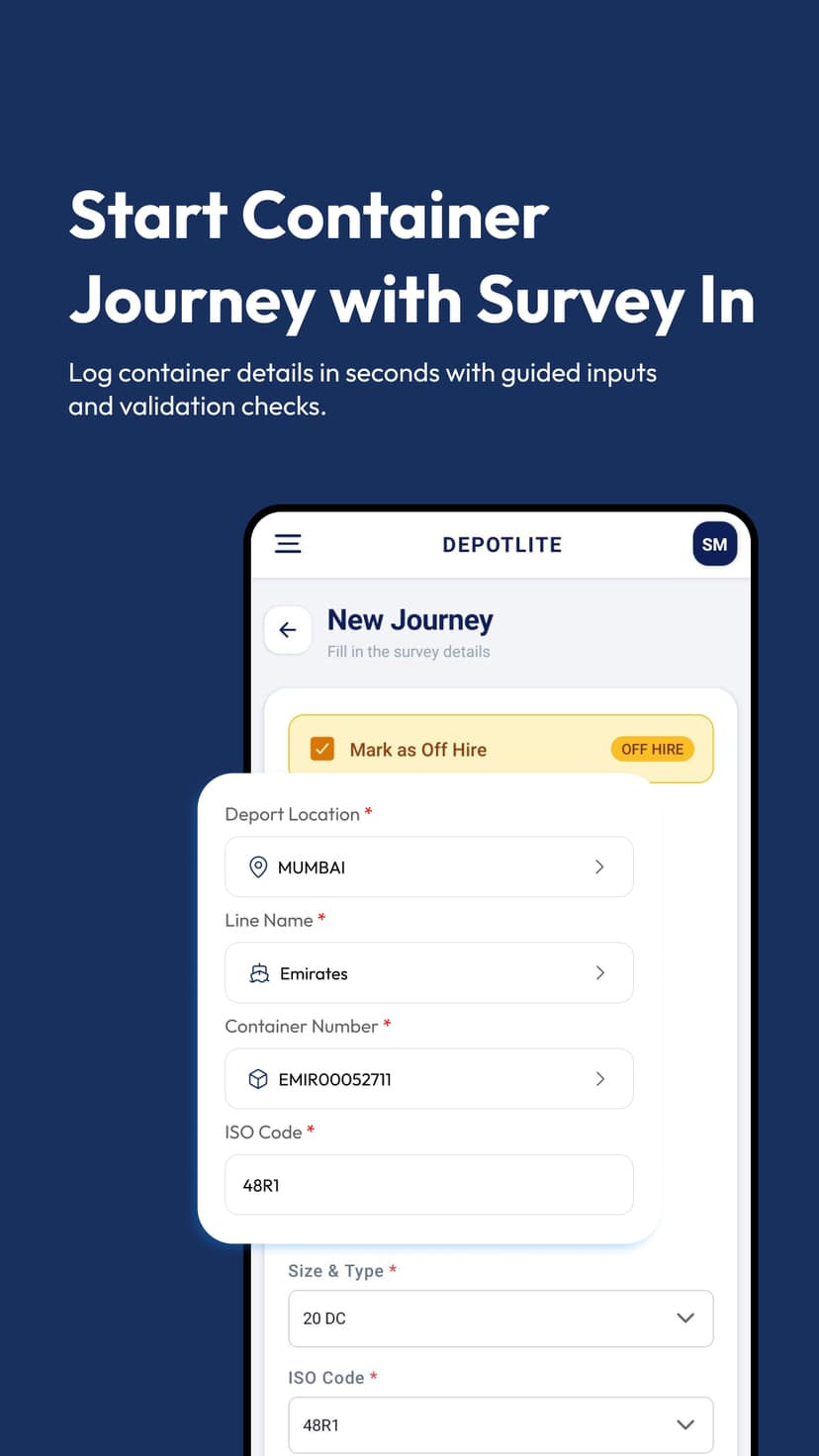
Real screens from the DepotLite Mobile app — built for speed, clarity, and field-ready operations.


Everything a Field Surveyor Needs
Built specifically for surveyors working in depot yards. Fast, accurate, and connected to the rest of the DepotLite platform.
In-App Camera
Capture and tag damage photos directly inside the survey form. No file transfers, no manual matching.
CEDEX-Compliant Forms
All damage entry fields follow CEDEX component and repair codes used across the industry.
Survey In & Survey Out
Full support for both inbound and outbound surveys — complete the entire container inspection lifecycle on mobile.
Phone & Tablet Optimized
Designed for both phone and tablet form factors. Use whatever device your surveyors carry in the field.
Real-Time Sync
Surveys submitted on mobile are instantly reflected in DepotLite — no delays, no batch uploads.
GPS Location Tagging
Each survey and photo is automatically tagged with the GPS location for full field accountability.
Works Offline
Continue surveys even without a network connection. Data syncs automatically once connectivity is restored.
Multi-Photo Per Damage
Attach multiple photos to a single damage item — wide shots, close-ups, and context shots all in one place.
Available on iOS and Android
DepotLite Mobile works on the devices your team already carries. No special hardware required.
iOS
iPhone & iPad
Available on the App Store for iPhones and iPads running iOS 15 or later.
Android
Phone & Tablet
Available on Google Play for Android phones and tablets running Android 11 or later.
Put DepotLite in Your Surveyors' Hands
Request a demo to see how surveyors can complete the full Survey In and Survey Out workflow from any mobile device — no paperwork, no delays.